


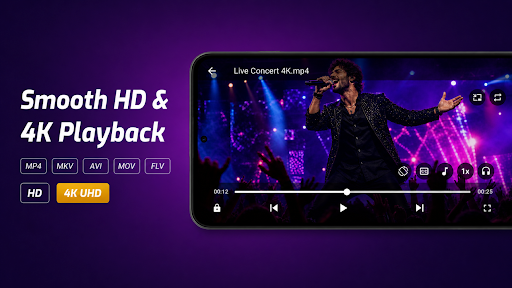
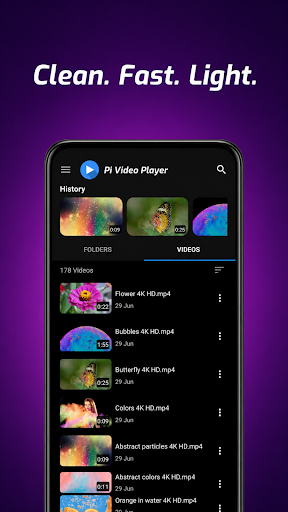
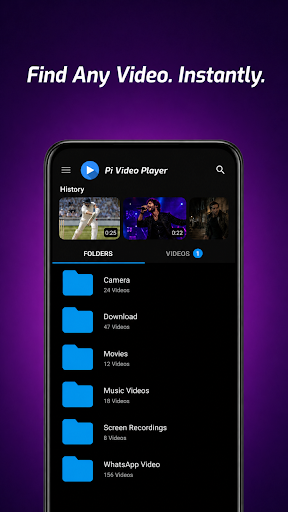
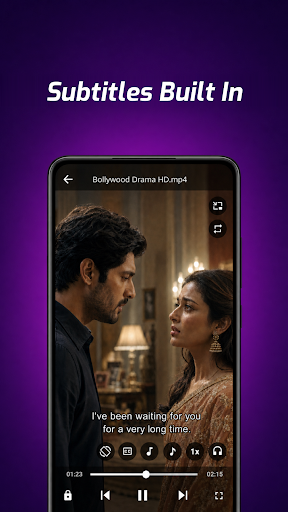
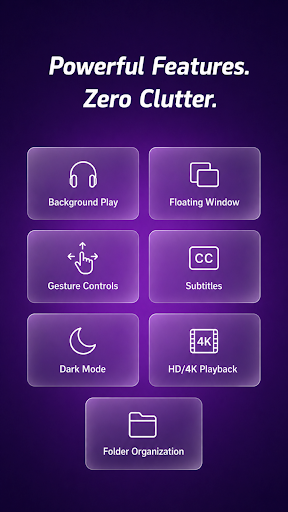
Pi Video Player – Media Player is an app designed for playing local video files stored on your device or SD card. It enables users to browse videos by folder and initiate playback of various popular formats, including MP4, MKV, AVI, and MOV, supporting resolutions up to 4K. A notable feature is its ability to handle both embedded subtitles and external SRT and VTT subtitle files, making it suitable for watching movies or lectures with accompanying text.
Video Playback and Format Support
The app functions as an offline media player, allowing you to play your videos without an internet connection. It supports a wide range of popular video formats, such as MP4, MKV, AVI, MOV, FLV, WMV, and 3GP. Videos can be played in HD and resolutions up to 4K. When you return to a video, Pi Video Player remembers your last played position, so you can pick up exactly where you left off.
Navigation and Controls
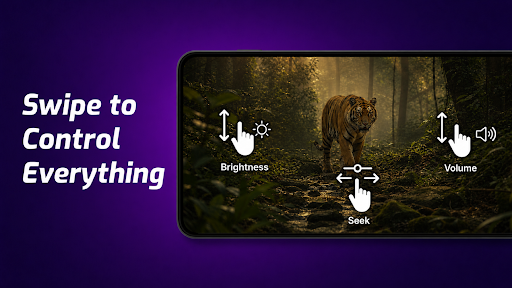
Pi Video Player allows you to browse videos organized by folder, mirroring how they are structured on your device for straightforward access. During playback, gesture controls are available; you can swipe to adjust volume, brightness, or seek position, and double-tap to play, pause, or skip forward and backward. Additional playback controls include screen lock, orientation lock, aspect ratio adjustment, headset controls, and speed adjustment ranging from 0.25x to 4x.
Subtitle Functionality
For content that includes subtitles, the app can display embedded subtitles directly from the video file. Additionally, it supports loading external subtitle files in SRT and VTT formats. To apply an external subtitle file, you simply need to name the subtitle file to match its corresponding video file.
Background and Floating Playback
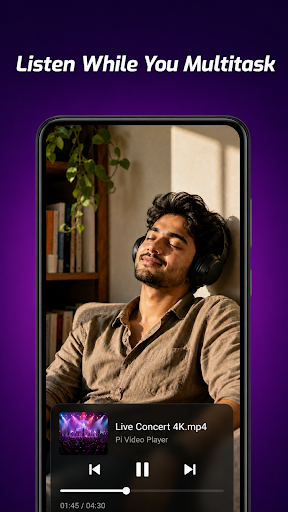
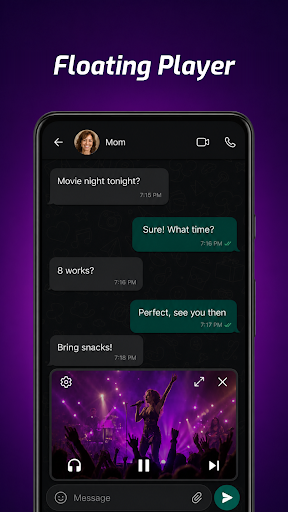
Pi Video Player offers background playback, meaning the audio of your video continues to play even when the app is minimized or your device screen is locked. This feature is useful for listening to lectures or music videos. The app also includes a floating window (picture-in-picture) mode, which allows you to continue watching a video in a small, resizable, and repositionable pop-up window while simultaneously using other apps on your device.







Write a review